

Virtual AssistantsVideo Editors
Video Editor Virtual Assistants.
Your footage turned into videos you are proud to share, week after week.
What is a video editing virtual assistant?
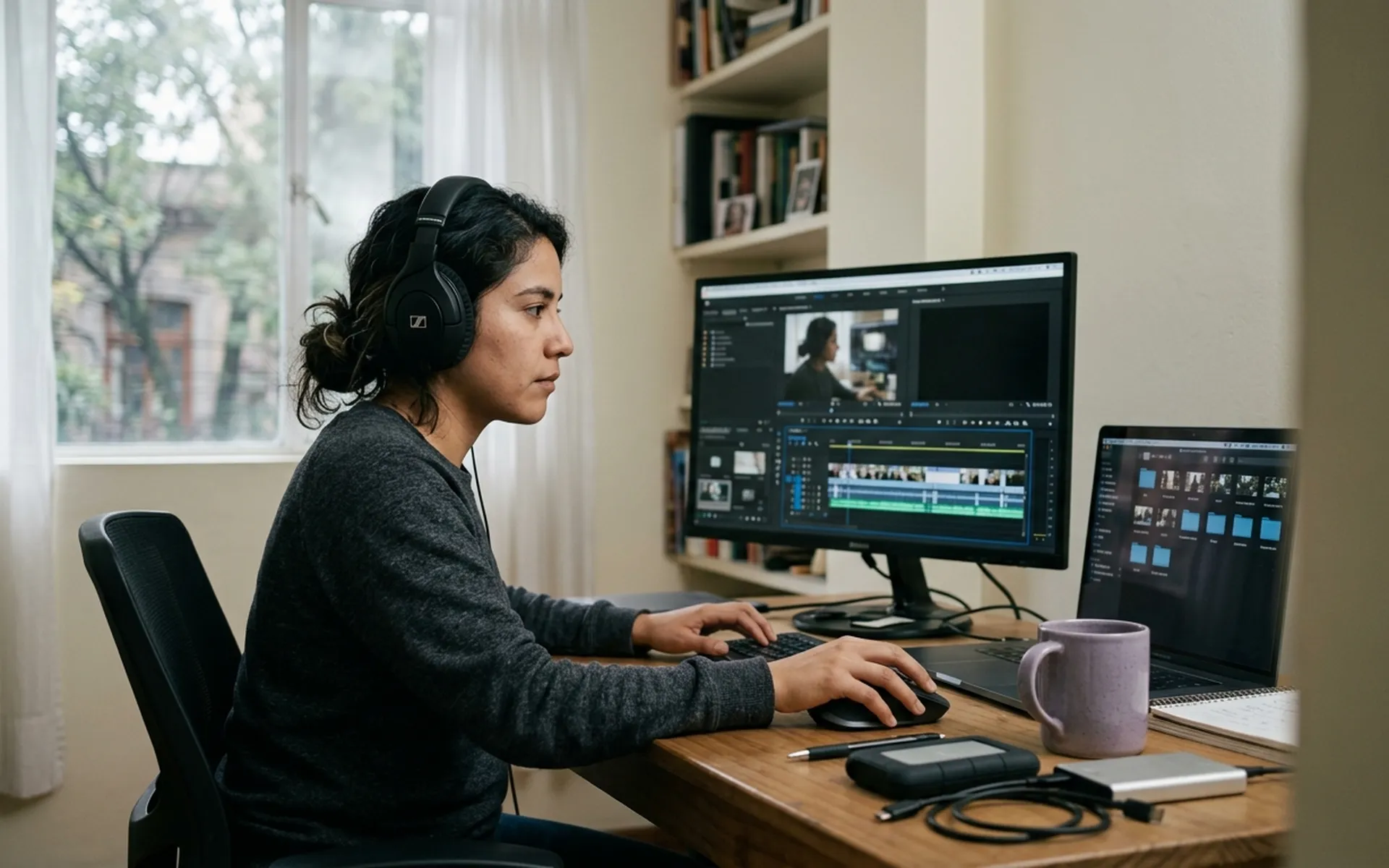
A video editing virtual assistant is a dedicated, bilingual remote professional who takes your raw footage and turns it into finished videos. They edit reels, ads and longer pieces, add captions, music and graphics, use AI tools when a scene, a voice or a Spanish version is needed, and prepare each video for the platform where it will be shared. They work inside your editing tools and follow your brand guidelines, in your hours.
Talk to us about a video editing virtual assistant- Time zone
- Real-time U.S. time zone alignment
- Language
- Bilingual English & Spanish talent
- Trust & confidentiality
- Background-checked talent & NDA protection
- Ongoing support
- Check-ins and support after the hire
What can a video editing virtual assistant take off your plate?
Not every role covers all of this, and not everything here needs to sit with one person. We build the role around the tasks you actually need covered.
- 01
Short-form & long-form editing
Reels, TikToks and Shorts that hold attention from the first seconds, and longer videos for YouTube, webinars and podcasts, edited with the same care.
- 02
Property & listing videos
Walkthroughs and room-by-room tours that help guests and buyers picture themselves there.
- 03
Captions & subtitles
Clear captions in English and Spanish, for everyone watching without sound.
- 04
Motion graphics, templates & thumbnails
Titles, price cards, logo animations and cover images designed once and reused, so your videos feel like a family.
- 05
Color & audio
Balanced color, clean sound and music that fits the mood of each piece.
- 06
Repurposing
A long video or webinar turned into several shorter clips you can share over the following weeks.
- 07
AI-generated video & avatars
A Spanish version of your video with an AI avatar, a missing scene created with Higgsfield or Runway, or a voice-over from ElevenLabs, always reviewed by a person before it goes out.
- 08
Publishing & performance
Videos exported, scheduled and followed up with a simple summary of how they did.
How do we find the right video editing virtual assistant for you?
The cost of a Video Editor Virtual Assistant depends on factors such as experience, responsibilities, schedule, and the level of support your business requires.
Rather than offering a one-size-fits-all solution, Purple helps businesses define the role and find a professional whose skills and availability match their needs.
What do you get with a dedicated video editing virtual assistant through Purple?
- Who does the work
- One dedicated person who works only for you, not a team shared across clients.
- Availability
- Real-time, in your hours, from Latin America.
- Getting started
- The role is shaped with you before recruiting starts, and Purple guides onboarding.
- Cost structure
- One engagement through Purple, with no recruiting or office overhead on your side.
- Changing the role
- Full-time by default, part-time on request, and it adjusts as you grow.
Who benefits most from a video editing virtual assistant?
Short-term rental and real estate brands
You have beautiful properties to show and would love to share them more often.
Founders and creators with a backlog of footage
You record plenty, and the editing is what keeps it from being published.
Marketing teams without an editor
Someone on your team edits video between other tasks and would welcome the help.
Agencies and podcasts
You publish regularly and want each episode to look and sound consistent.
E-commerce and service businesses running ads
You want to try new video ideas without hiring a studio each time.
Brands that want every video in English and Spanish
With AI dubbing and avatars, one recording can reach both audiences.
Which tools can they work in?
Options, not a checklist: your VA works in the tools you already use, and we match the candidate to them.
- CapCut
- Adobe Premiere Pro
- DaVinci Resolve
- After Effects
- Final Cut Pro
- Descript
- HeyGen
- Higgsfield
- Runway
- ElevenLabs
- Opus Clip
- Canva
- Frame.io
- Google Drive
- Later
- Metricool
- ChatGPT
- Claude
What do clients ask before hiring a video editing virtual assistant?
What does a video editing virtual assistant do?
A video editing VA takes care of everything that happens after you record. You share your footage and a short brief, and they edit it into reels, ads or longer videos. They add captions, music and graphics, export the video in the right format for each platform and, if you like, schedule it for you. They also keep your templates and best clips organized, so publishing every week feels manageable.
What kind of videos can they edit?
Short videos for Instagram, TikTok and YouTube Shorts, property walkthroughs and listing videos, ads and product videos, YouTube episodes, webinars and podcasts, testimonials and training videos. Some editors also create motion graphics and simple animation. We tell you clearly what each candidate has edited before, so you know what to expect.
Which editing tools do they use?
They work in the tools you already use, or we suggest the ones that fit your videos. CapCut is popular for short-form, Adobe Premiere Pro and DaVinci Resolve for longer pieces, After Effects for graphics and Descript for podcasts and interviews. Footage and feedback usually travel through Google Drive or Frame.io. We look for a candidate who is comfortable with your setup.
How do we handle footage, feedback and revisions?
We keep it simple. You upload your footage to a shared folder and add a short note about what you would like. Your editor sends a first version, you leave your comments, and they prepare the final video. At the start we agree together on how many rounds of changes and how much time each video needs, so everyone knows what to expect.
Do they also write captions, hooks and titles?
Yes. They write the on-screen text, subtitles in English and Spanish, titles, descriptions and hashtags for each platform. The main message and the strategy stay with you or your marketing lead, and your editor makes sure they come through clearly in every video.
Do video editors also use AI tools?
Yes, when it helps. If you need a Spanish version of a video, an AI avatar and voice from HeyGen can present it. If a scene is missing, they can create it with Higgsfield or Runway. A long recording can be cut into short clips with Opus Clip, and a voice-over can come from ElevenLabs. Your editor decides when these tools add something and when real footage is better, and a person always reviews the result before it is published.
I do not know exactly what I need. Where do we start?
That is the normal starting point. We begin by mapping what actually takes time in your week, what footage you already have and which formats matter for your channels, and which of those tasks a remote professional can own. From there we shape the role and find the person who fits it, before recruiting starts. Every operation is different.
Which roles work alongside a video editing virtual assistant?
Ready to find your video editing virtual assistant?
Tell us what takes time in your week. We will shape the role and introduce you to the person who fits it.
Talk to us about a video editing virtual assistant